

How to Center a Div: 5 Simple CSS Methods with Code Examples
Complete Guide with Ready-to-Use HTML & CSS Snippets

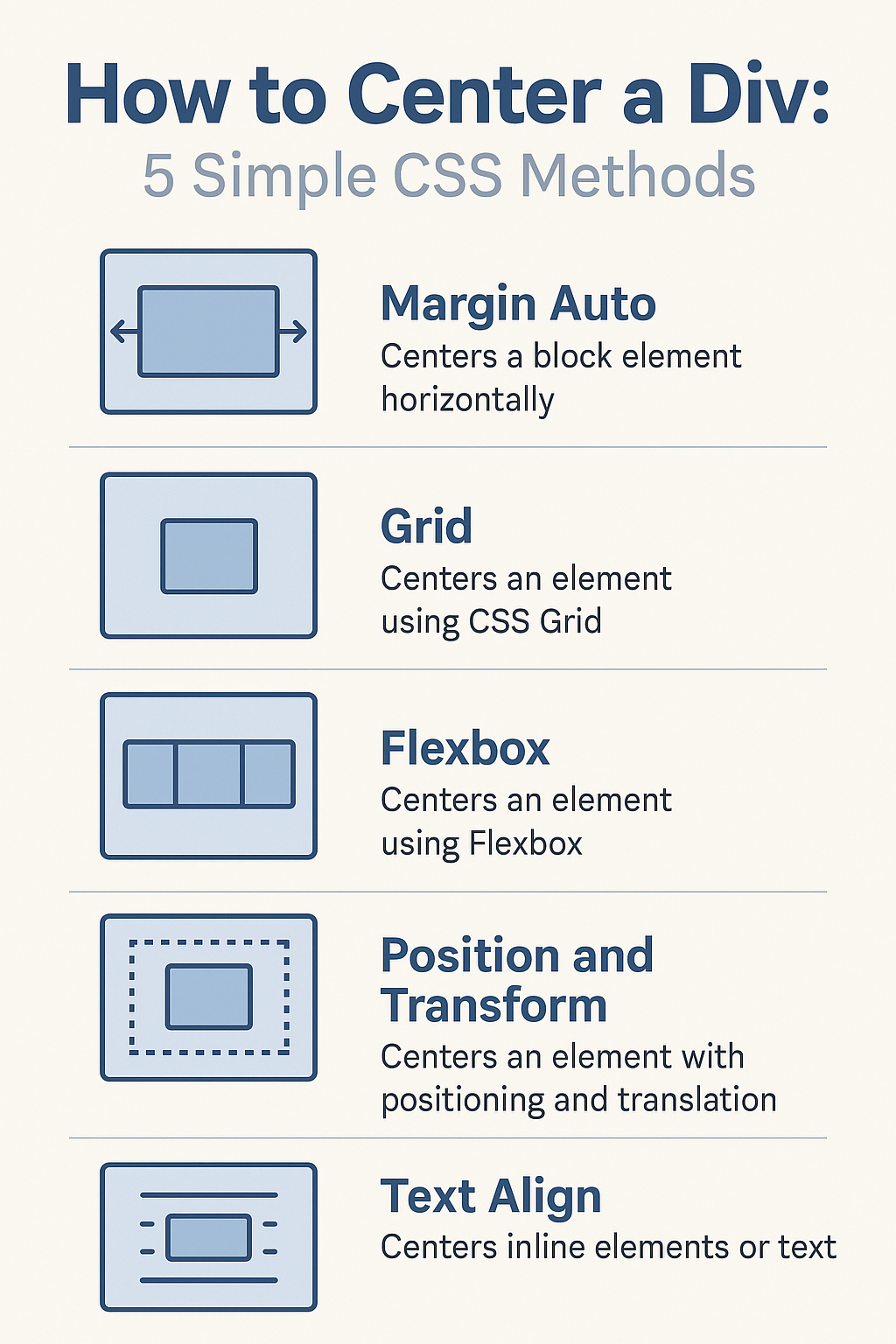
Centering elements in CSS can be tricky for beginners. Here are 5 foolproof methods with complete HTML and CSS examples you can use right now.
1. Flexbox Centering (Modern & Easiest)
Perfect for: Most modern centering needs (both horizontal & vertical)
<div class="flex-container">
  <div class="centered-box">I'm perfectly centered!</div>
</div>
.flex-container {
display: flex;
justify-content: center; /* horizontal */
align-items: center; /* vertical */
height: 100vh; /* full viewport height */
background: #f0f0f0;
}
.centered-box {
width: 200px;
height: 200px;
background: #4CAF50;
color: white;
padding: 20px;
}Why this works:
justify-contentcenters horizontallyalign-itemscenters verticallyWorks for any element size
2. CSS Grid Centering (Clean One-Liner)
Great when: You're already using Grid in your project
<div class="grid-container">
  <div class="centered-box">Grid makes centering easy!</div>
</div>
.grid-container {
display: grid;
place-items: center; /* does both directions! */
height: 100vh;
background: #f0f0f0;
}
.centered-box {
width: 200px;
padding: 20px;
background: #2196F3;
color: white;
}Key benefit:
The magical place-items: center handles both directions in one line!
3. Absolute Positioning (Old but Reliable)
Use when: You need precise control or legacy browser support
<div class="relative-parent">
  <div class="absolute-centered">Positioned perfectly</div>
</div>
.relative-parent {
position: relative;
height: 100vh;
background: #f0f0f0;
}
.absolute-centered {
position: absolute;
top: 50%;
left: 50%;
transform: translate(-50%, -50%);
width: 200px;
padding: 20px;
background: #FF9800;
color: white;
}How it works:
Positions element at 50% from top/left
transformadjusts for element's own size
4. Margin Auto (Horizontal Centering Only)
Best for: Simple horizontal centering of block elements
<div class="margin-container">
  <div class="margin-centered">Centered horizontally</div>
</div>
.margin-container {
height: 100vh;
background: #f0f0f0;
}
.margin-centered {
width: 200px;
margin: 50vh auto 0; /* top margin for pseudo-vertical */
padding: 20px;
background: #9C27B0;
color: white;
transform: translateY(-50%); /* adjust vertical */
}Note: This version includes a vertical centering trick with transform
5. Text-Align (For Inline/Text Elements)
Use for: Quick text or inline element centering
<div class="text-container">
  <span class="text-centered">Centered text</span>
</div>
.text-container {
text-align: center;
line-height: 100vh; /* matches container height */
height: 100vh;
background: #f0f0f0;
}
.text-centered {
background: #607D8B;
color: white;
padding: 10px 20px;
display: inline-block; /* needed for non-text elements */
}Best for:
Simple text centering
Inline elements like buttons or spans
How to Choose the Right Method
For most projects: Use Flexbox (Method 1) - it's the most versatile and widely supported modern solution.
When working with Grid layouts: The CSS Grid method (Method 2) keeps your code clean.
For legacy support: The absolute positioning method (Method 3) works even in older browsers.
Quick horizontal centering: Margin auto (Method 4) is great for simple cases.
Text elements only: The text-align method (Method 5) is the simplest for text content.
Pro Tips for Perfect Centering
Always set a height on the parent container (like
100vhfor full viewport)Combine methods when needed (e.g., Grid for layout with Flexbox centering inside)
Use transform: translate for pixel-perfect adjustments
Test responsiveness - centered elements should stay centered on all screens

Join Chandan Kumar on Peerlist!
Join amazing folks like Chandan Kumar and thousands of other builders on Peerlist.
0
13
0